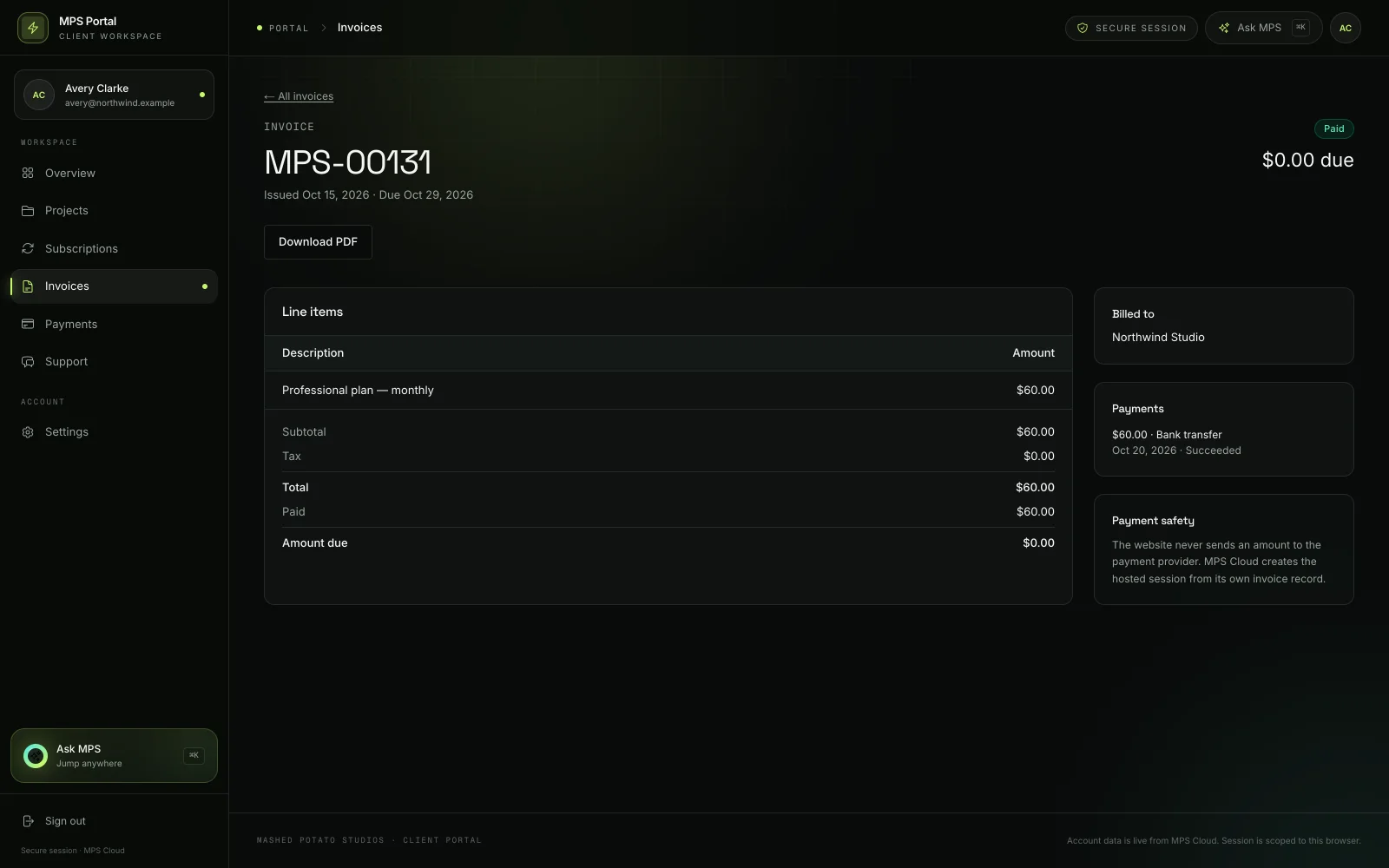
Invoices
What do I owe?
Invoice history, line items, credits and payment records. Open an invoice or download the PDF. Status is explicit: open, paid, past due or partially paid.
MPS Studio / Client portal
A private workspace for every MPS-managed website. See what is live, what is covered and what is outstanding — without asking for an update. Invitation only, scoped to your account, and read live from MPS Cloud.
For active MPS clients. Access is issued by invitation.
Screenshots show a fictional sample workspace.
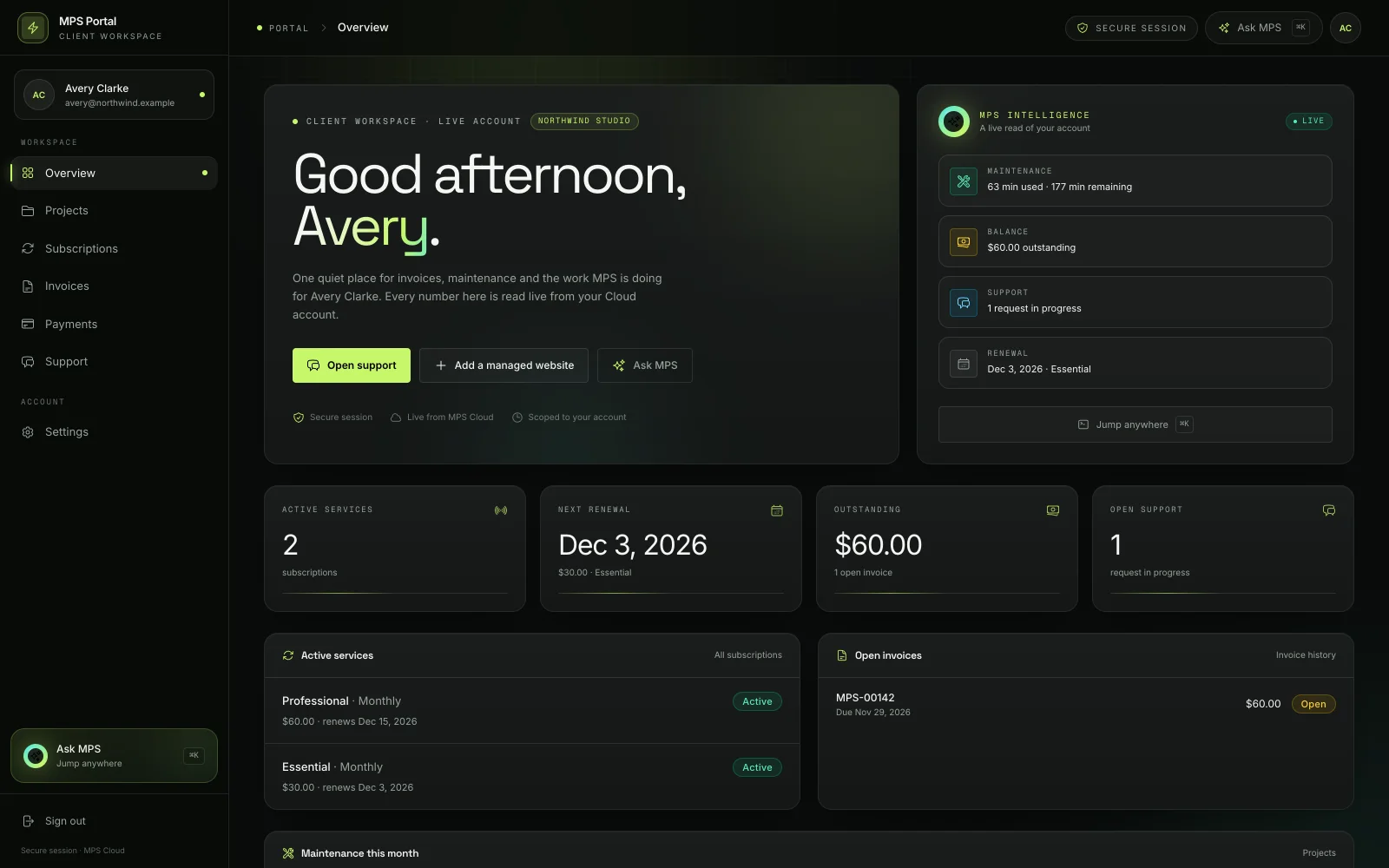
What is inside
The overview shows what is live. The rest of the workspace shows the detail.
Invoices
Invoice history, line items, credits and payment records. Open an invoice or download the PDF. Status is explicit: open, paid, past due or partially paid.
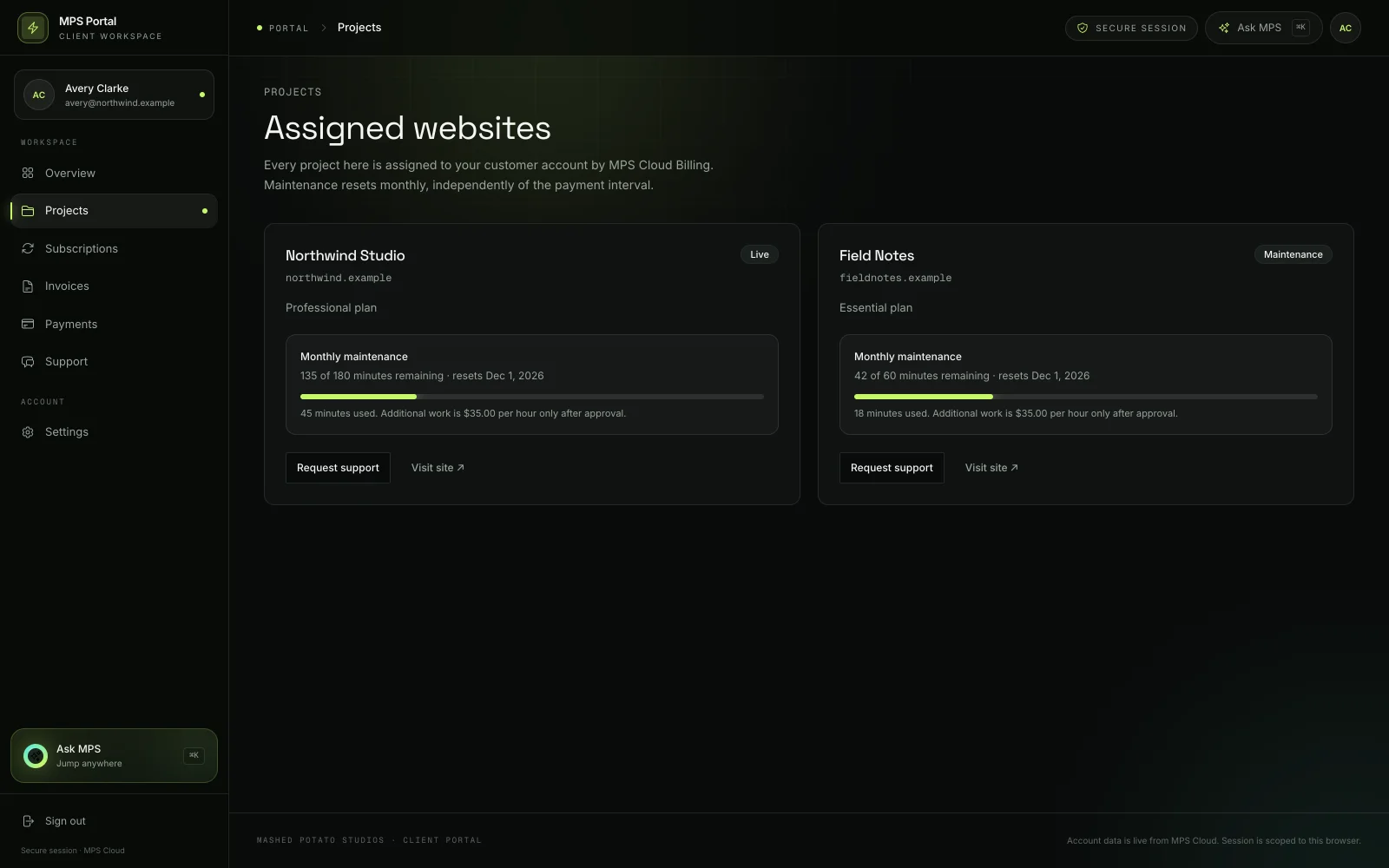
Maintenance
The monthly maintenance allowance, what has been used and when it resets. Approved estimates sit on the same record, so extra work is never a surprise.
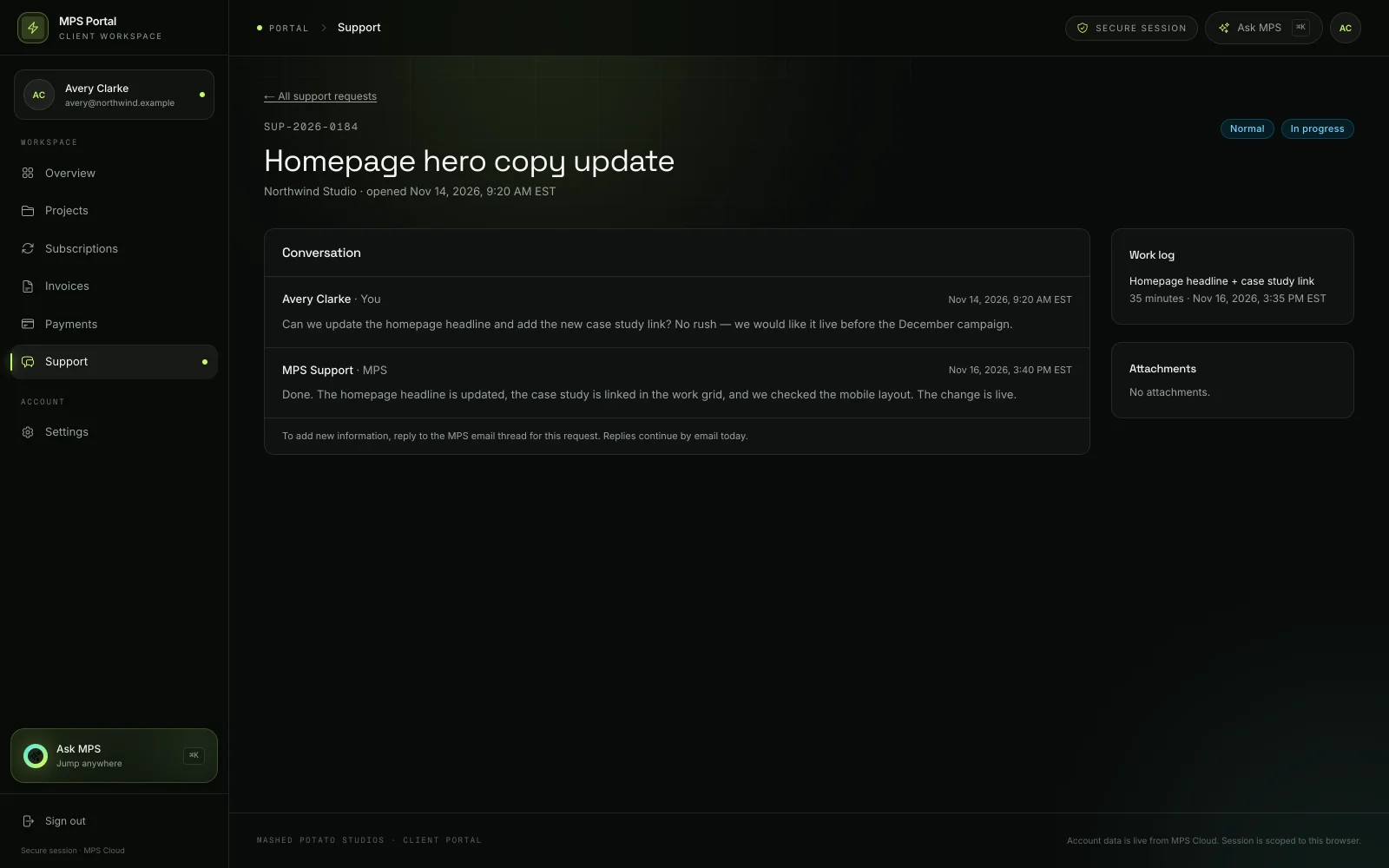
Support
Support requests with the MPS work log, so you can see what was asked, what was done and when.
MPS replies are emailed to you; reply to that email to continue the thread.
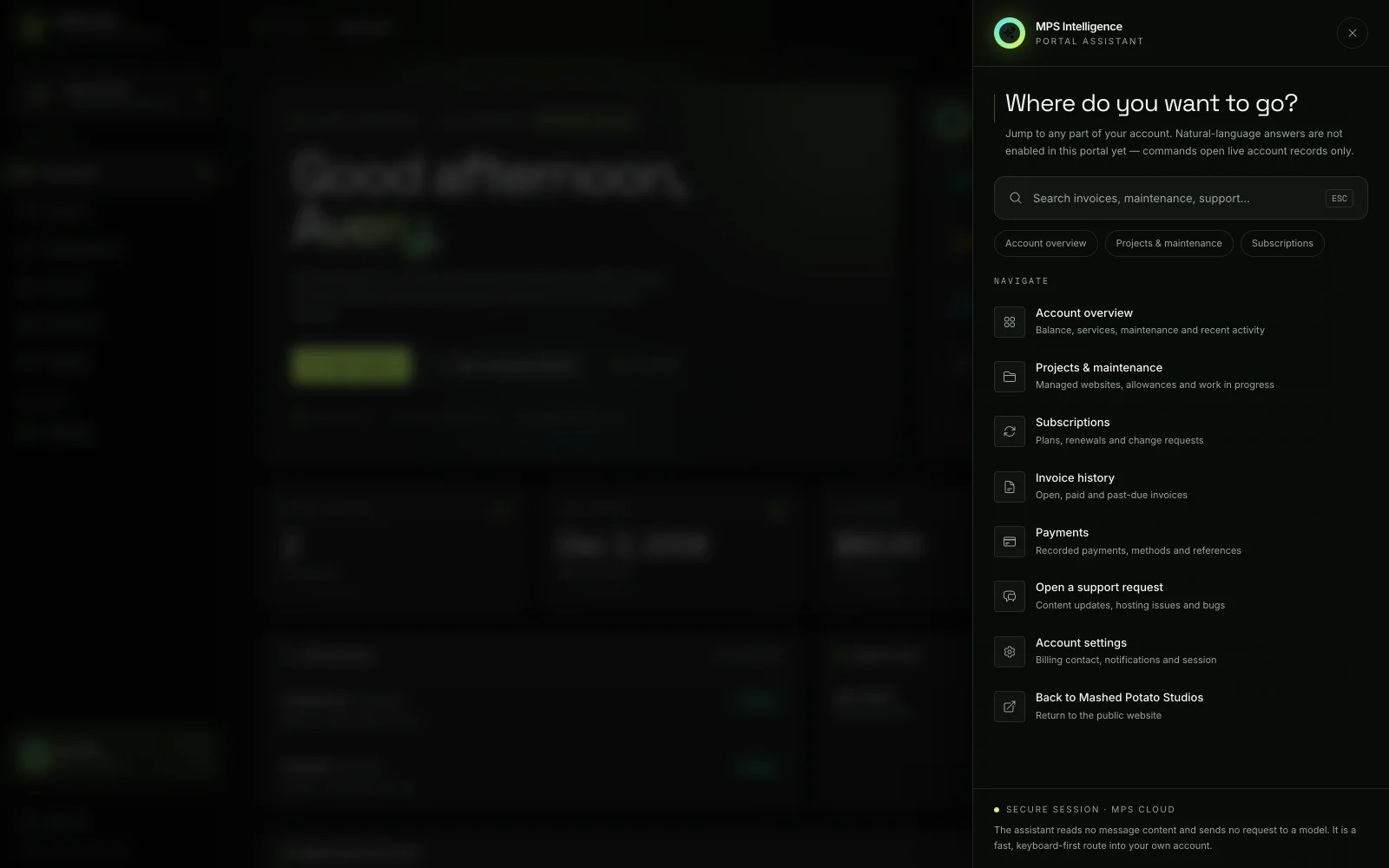
Ask MPS
Press ⌘K or choose Ask MPS to jump straight to invoices, projects, maintenance or support. It is a keyboard-first command panel for your own account. It does not read your messages and does not send a prompt to a model.
Desktop and mobile
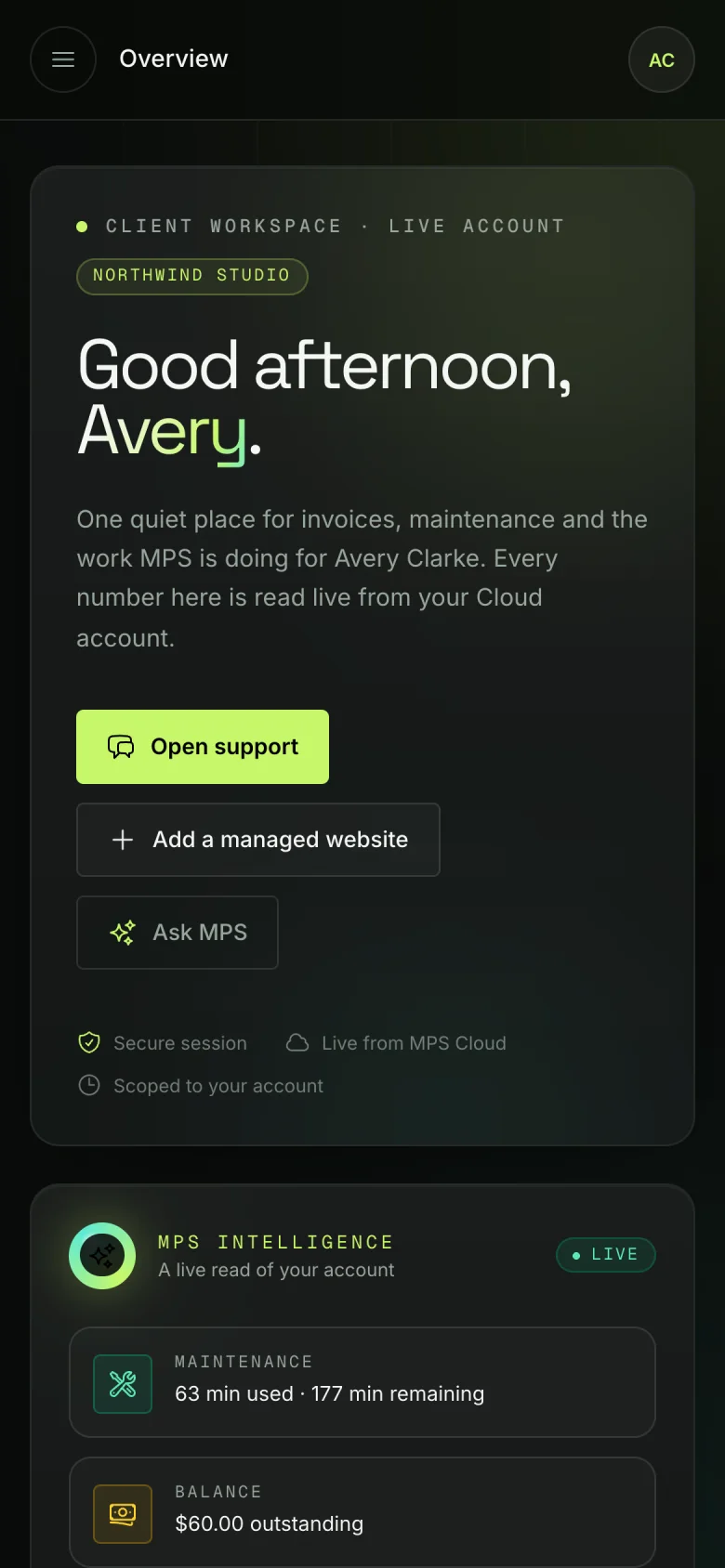
The portal is responsive, not a separate app. Open your invitation link on a phone and the same invoices, maintenance and support history are there.
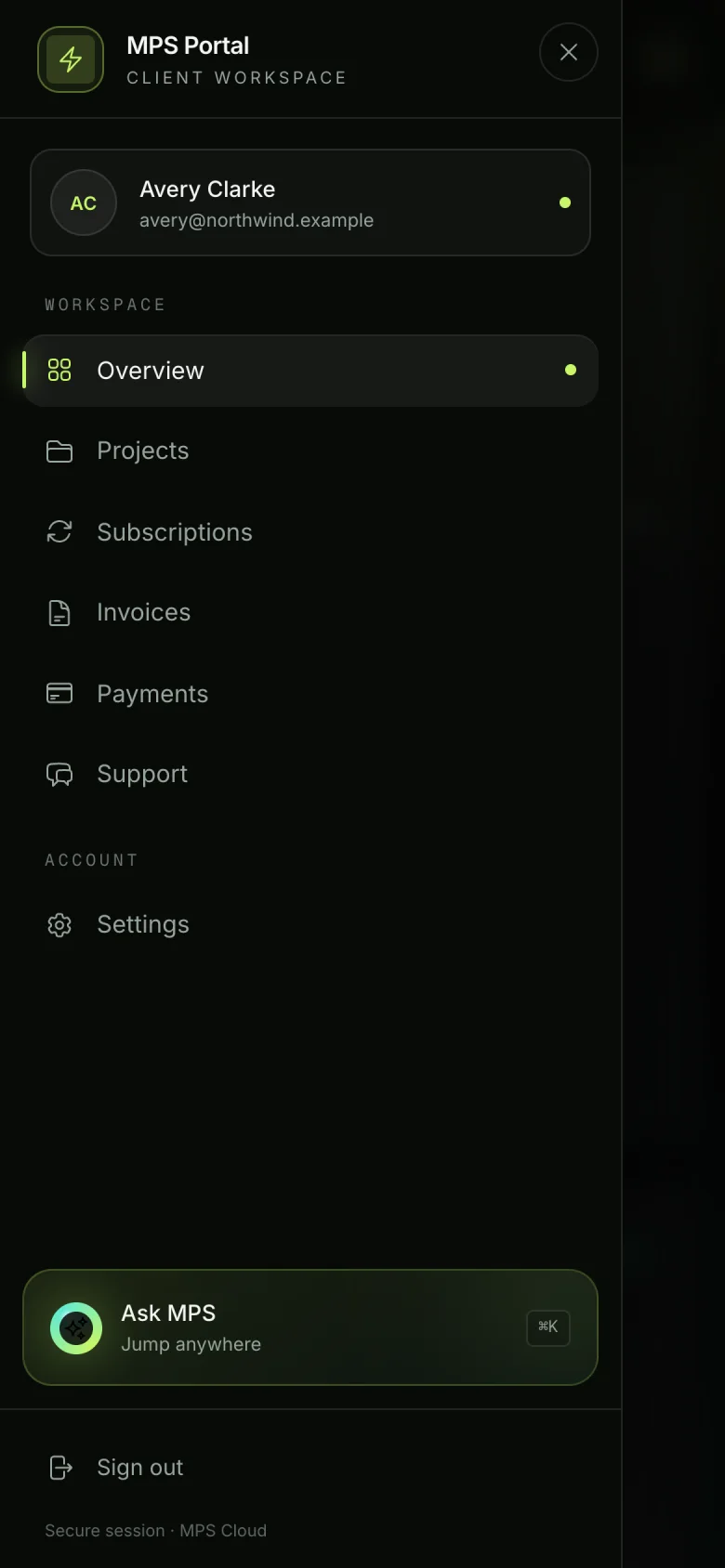
Sample workspace.
Access and privacy
MPS Cloud issues the invitation and verifies the customer membership. The portal token stays on the server in an HTTP-only session; the browser never holds it. Every request is checked against your account.
No separate portal fee. It is included with managed website plans. You still pay the plan you agreed to.
The contacts MPS invites for your account. Access is issued and revoked by MPS, and each session is scoped to one customer account.
Where online payment is enabled for your account, the portal opens a hosted payment session created by MPS Cloud from its own invoice record. Otherwise, pay by the method shown on the invoice. The website never stores card numbers or CVVs.
No. It is the record. MPS replies are emailed to you and kept in the portal; reply to the email to continue the thread.
Yes. The portal runs in a normal mobile browser. There is no app to install.
No. MPS Cloud verifies the membership on every request and returns only the account attached to your invitation.
Client access
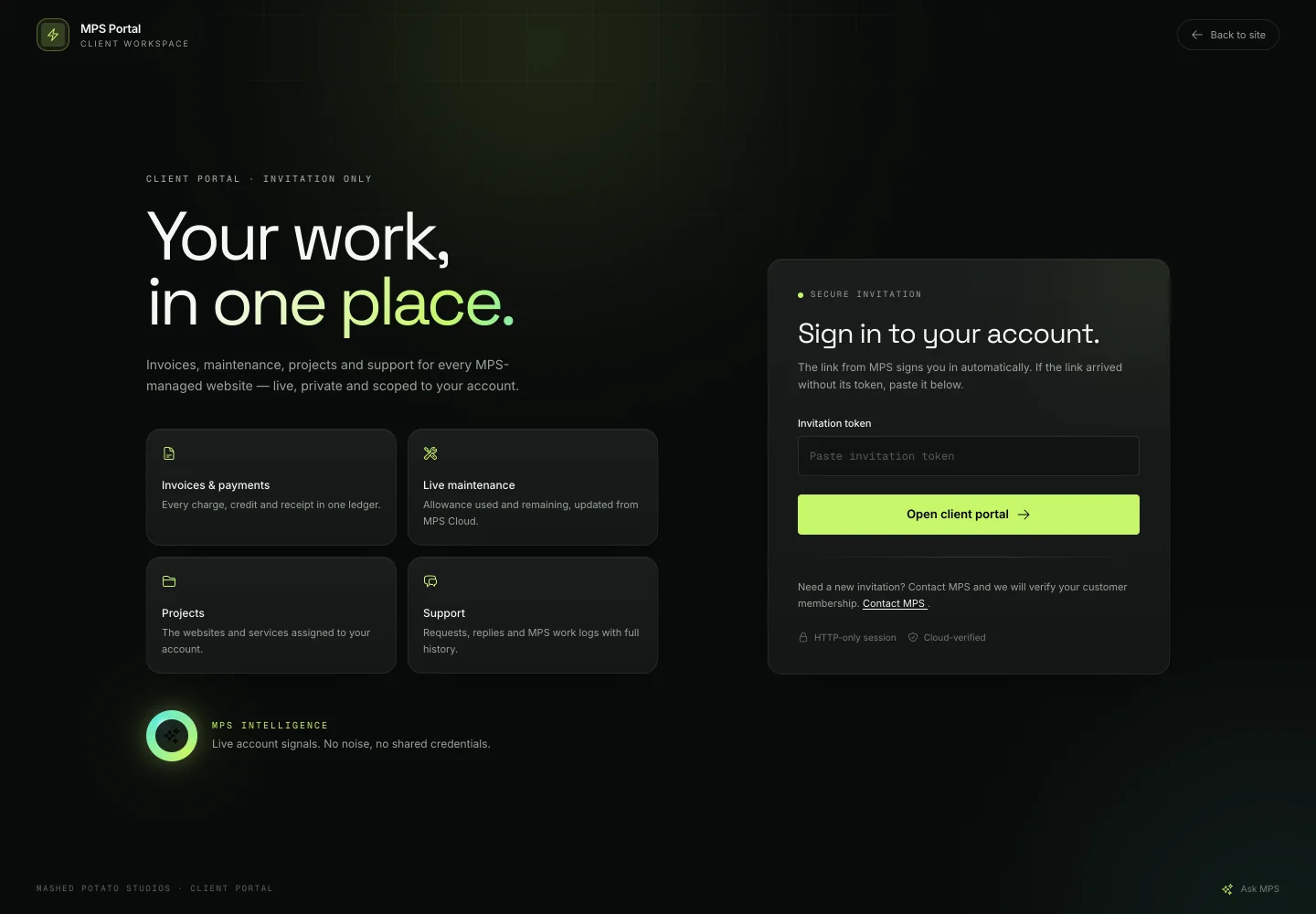
Sign in with the invitation link from MPS. If you need a new invitation, contact us and we will verify your customer membership.
Portal access is invitation-only.